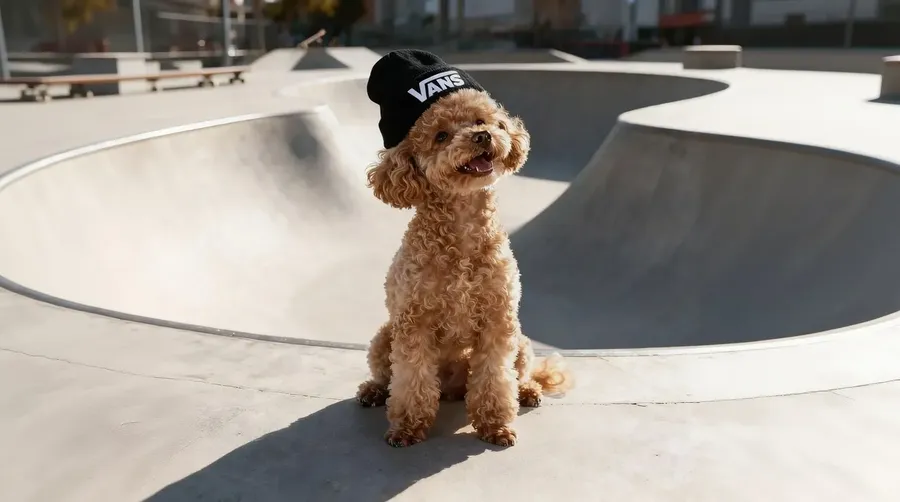
Redesign Any Photo in 15 Seconds with Image to Image AI
Need to turn a daytime architectural photo into night? A rough sketch into a 3D render? A standard product shot into a studio background? Don't do it manually. Upload your image, tell the AI what to change, and get high-quality variations without touching a single Photoshop tool.
The best Image to Image AI models in one place.
We run the fastest, most powerful models so you don't need expensive hardware to generate images.
 FLUX
FLUX GPT Image
 Nano Banana
 Seedream
 Grok Imagine
Get perfect Image to Image generations automatically
You don't need to be an AI expert to get exactly what you want. Our image to image creator does the heavy lifting in the background so you can focus on the result.
Prompt enhancement
Type a few basic words, and we handle the rest. Our system automatically rewrites your short ideas into highly detailed prompts. You get perfect results without learning complex prompt engineering.
Your Prompt
Enhanced Prompt
HQ Result
Auto model selection
Stop guessing which AI model to use for your project. Our system reads your prompt and automatically selects the best option for your specific edit. You get the highest quality image generation every single time.
Auto selection

Nano Banana 2
Excellent at typography and various artistic styles.
![FLUX.2 [max] logo](https://static.getimg.ai/media/flux.svg)
FLUX.2 [max]
Hyper-realistic model for the most demanding tasks.
Zero hardware requirements
Process high-res images in seconds without buying an expensive graphics card. Our image to image AI handles all the heavy rendering directly in your browser. You get finished pictures instantly on any device.
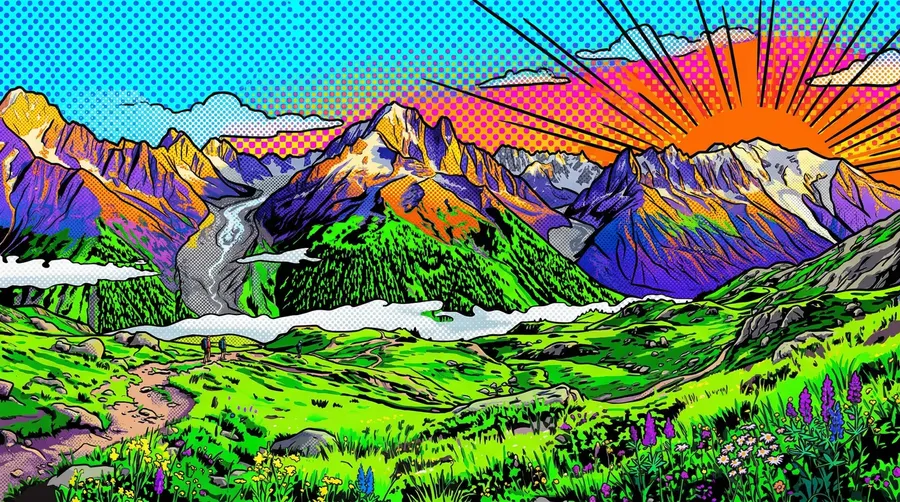
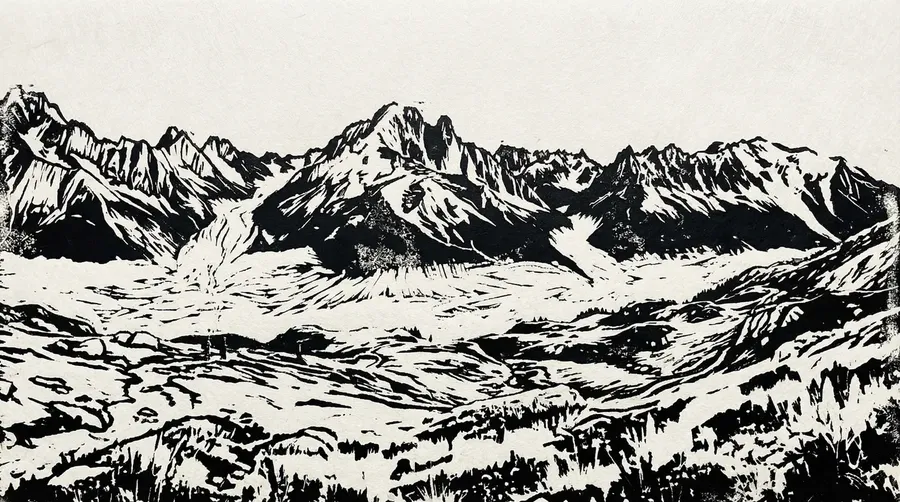
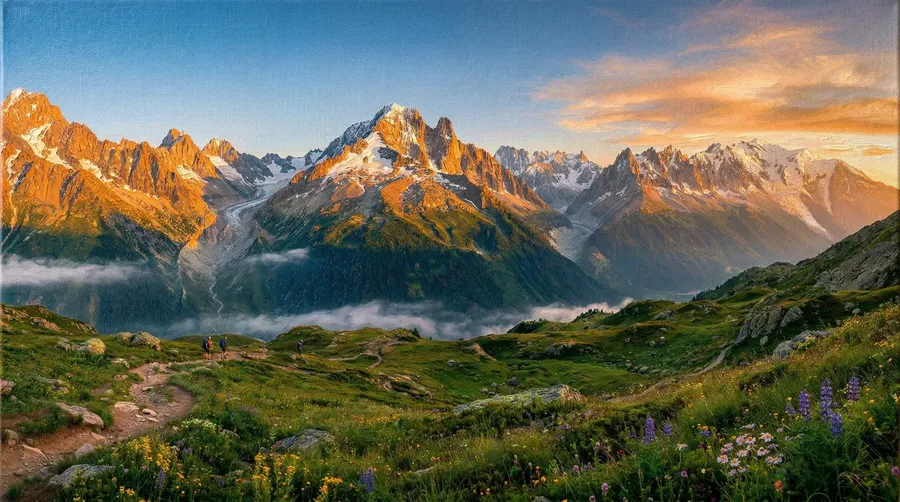
What you can do with image to image generation?
One tool, dozens of real applications. Here are the image to image use cases people run most.
.webp)
Stop editing. Start creating with image to image AI.
Photoshop takes hours to learn and longer to master. getimg.ai's image to image tool takes 30 seconds, and produces results you couldn't achieve manually without years of practice.
.webp)
getimg.ai's Content Generator
Upload your photo
Just select the image you’d like to transform.
Describe your vision
Simply type how you want your image to change, including details or styles.
Get perfect visuals instantly
Generate your ideal image in seconds, ready to use or share immediately.
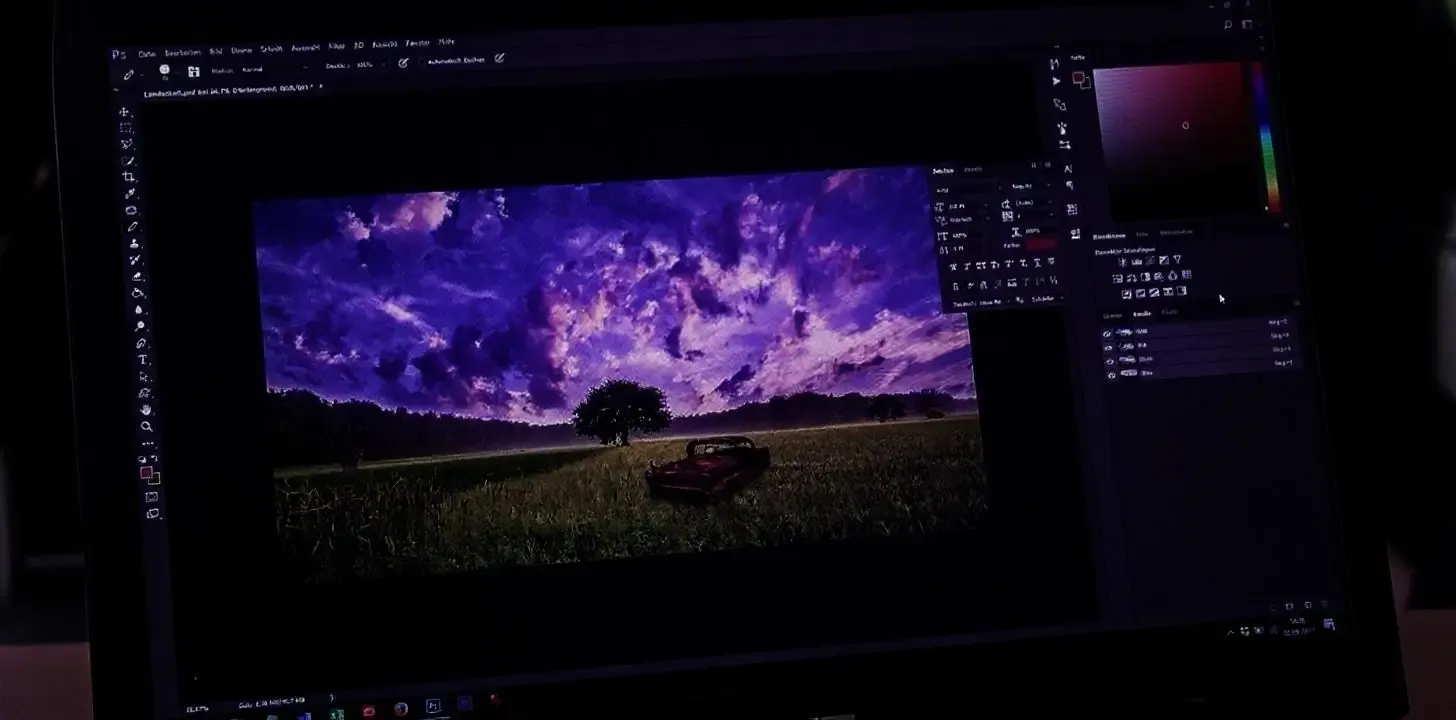
Manual Image Editing
- Open complicated editing software
- Duplicate layers repeatedly
- Adjust colors and details manually
- Select, mask, erase, redraw, retouch
- Search for style references online
- Struggle to apply effects consistently
- Waste hours experimenting
- Export and realize it’s still not quite right
- Start all over again
Image to Image Editing
Change the style. Keep the subject.
Your original image is the anchor. The image to image AI changes what you tell it to change, and leaves everything else exactly where it is. Same composition, same subject, different look.
Works with all image types:
- Portraits and selfies (face structure preserved through any style)
- Product shots (shape and placement intact, style reinvented)
- Landscapes and scenes (composition fixed, atmosphere transformed)
- Architectural photos (structure locked, materials and mood changed).
Whether you're converting a raw photo into an oil painting, turning a landscape into a surreal illustration, or shifting the lighting and mood of a product shot, the core structure stays locked while the surface transforms. Prompt enhancement automatically improves your input so you get precise, usable results, not randomness.
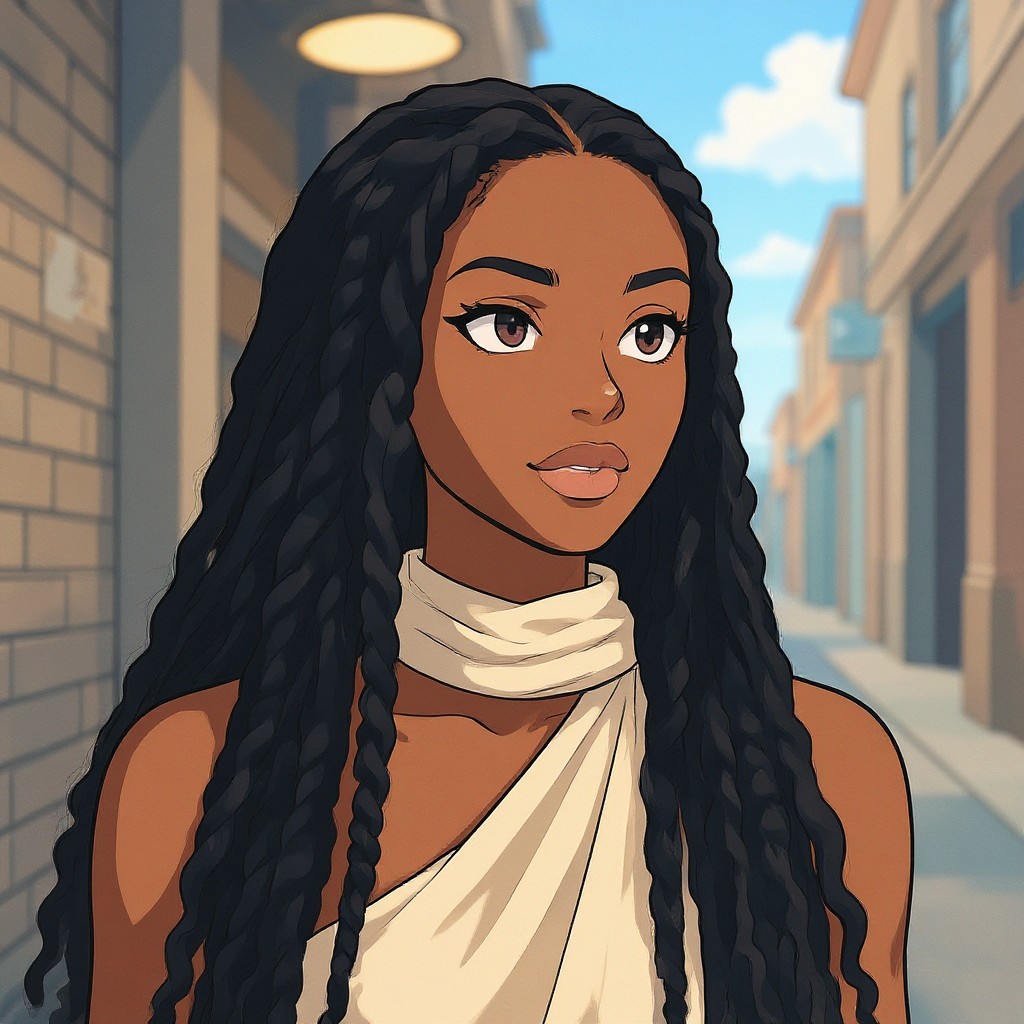
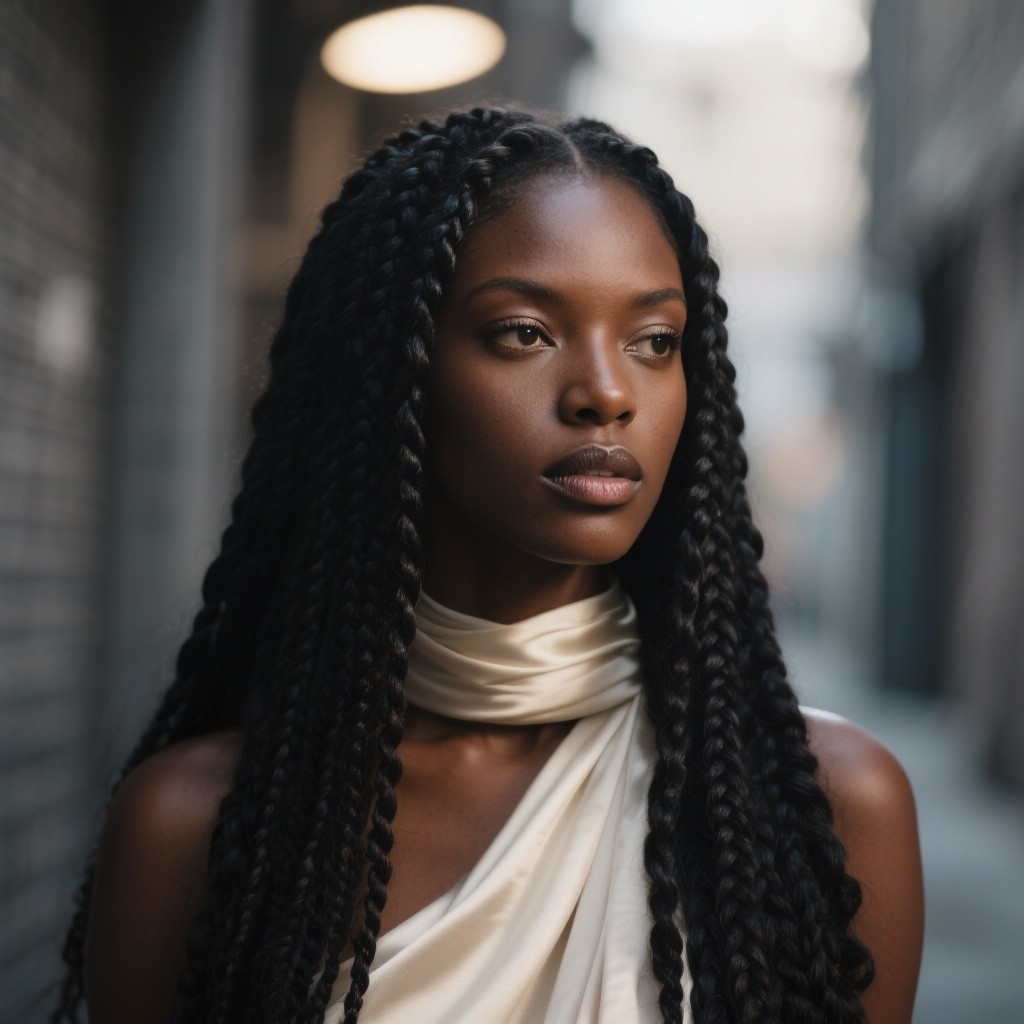
change the style to a cartoon
Lock what matters. Reinvent the rest.
Upload your image, write your prompt, and the Image References feature reads the depth, edges, and spatial layout of your source to guide the generation, so the output looks intentional, not accidental.
This is how professionals get consistent results across a whole project: same composition, executed in completely different styles. Use it for product lines that need visual coherence, character sheets with consistent likeness, or any workflow where consistency is the difference between usable and unusable. Generate up to 16 variations per run to compare directions before committing.
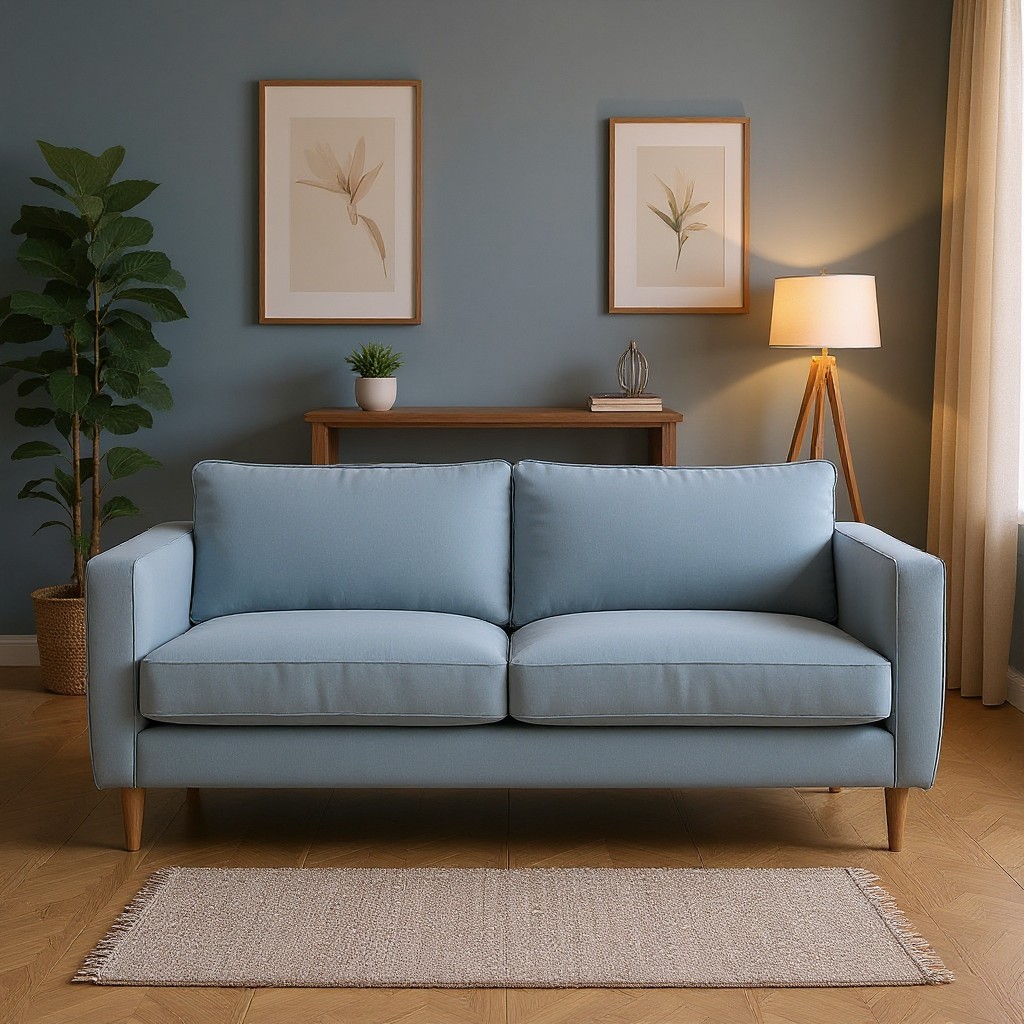
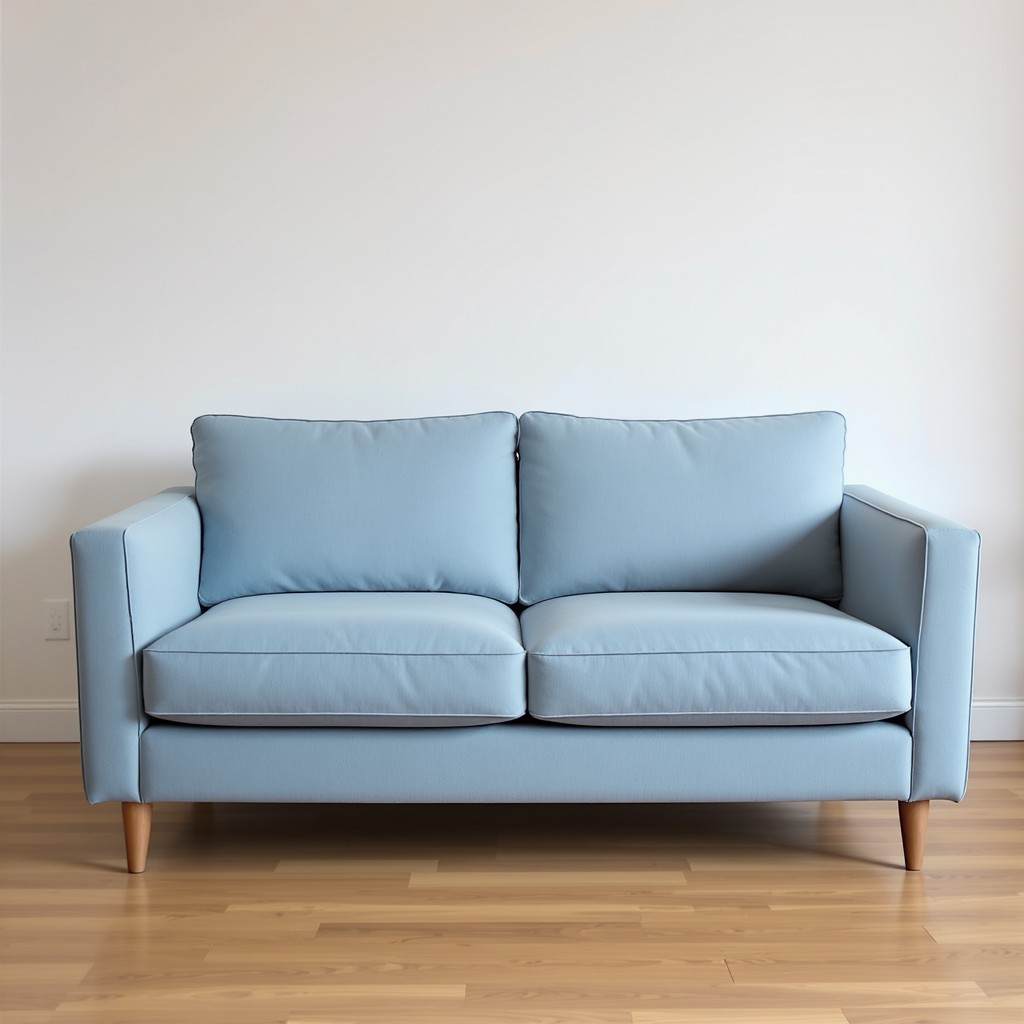
change the couch background to a modern living room
Built for professional production standards
Traditional editing software requires tweaking complex settings and eats your afternoon. getimg.ai's image to image tool gives you output: faster iterations, consistent results, and no files to babysit.
No version files to manage
Every generation is non-destructive by default. Your original stays untouched: generate as many variations as you need without duplicating files, losing your source, or building an archive of _v2_FINAL_final folders.
Cut production costs dramatically
Eliminate the need for expensive stock photo subscriptions or costly reshoots. Create the exact image you need from the visual assets you already own. Maximize your project margins starting today.
Commercial rights, no fine print
Every image generated on a paid plan is yours to use in ads, merchandise, client deliverables, and social campaigns. No licensing headaches, no usage caps, no credit attribution required.
Frequently Asked Questions
Your first image to image transformation is 30 seconds away
No software to install, no design skills needed. Upload a photo, describe the change, and getimg.ai's image to image AI handles the rest. Explore the full platform for text to image, video creation, and more.